In late October 2026, Apple launched two very different MacBook Pros: an entry-level 14-inch model moved to the M6 chip, and the first MacBook Pro with an OLED touchscreen, called PROLED XDR, which keeps the M5 Pro and M5 Max chips. The M6 is aimed at teams replacing an M1 or Intel fleet; the touchscreen model at image-focused roles. Reference scenario: an SMB equipping 20 employees.
Quick verdict
Choose the MacBook Pro M6 if you are replacing M1, M2 or Intel Macs and your teams work in development, data or local AI.
Keep your MacBook Pro M5 or M4 if they are less than two years old: the M6 gain does not justify an early refresh.
Choose the touchscreen MacBook Pro PROLED XDR only for photo, video or design profiles that use Adobe RGB and 2,000-nit brightness.
For support functions (HR, sales, office management), none of these MacBook Pros is the most rational choice: a MacBook Air M5 is enough.
Criterion | MacBook Pro 14" M4 (2024) | MacBook Pro 14" M5 (2025) | MacBook Pro 14" M6 (2026) | MacBook Pro 14" PROLED XDR touchscreen (2026) |
|---|---|---|---|---|
Chip | M4 | M5 | M6 (2 nm process according to the specialist press) | M5 Pro or M5 Max |
CPU | 10 cores (4 performance + 6 efficiency) | 10 cores (4 super cores + 6 efficiency) | 12 cores (2 super + 4 performance + 6 efficiency) | 15 to 18 cores |
GPU | 10 cores | 10 cores + Neural Accelerators | 12 cores + Neural Accelerators | 16 to 40 cores |
Neural Engine | 16 cores | 16 cores | 2 × 16 cores | 16 cores |
Memory bandwidth | 120 GB/s | 153 GB/s | up to 170 GB/s (except 16 GB config) | 307 to 614 GB/s |
Base memory / storage | 16 GB / 512 GB | 16 GB / 512 GB | 16 GB / 1 TB | 24 GB / 1 TB (M5 Pro) |
Display | Liquid Retina XDR mini-LED | Liquid Retina XDR mini-LED | Liquid Retina XDR mini-LED | Tandem OLED, touchscreen, 2,000 nits, Dynamic Island |
Wireless | Wi-Fi 6E | Wi-Fi 6E | Wi-Fi 7, Bluetooth 6 (N1 chip) | Wi-Fi 7 |
Stated battery life | up to 24 h | up to 24 h | up to 24 h | up to 22 h (M5 Pro) |
Weight | 1.55 kg | 1.55 kg | 1.55 kg | 1.38 kg (M5 Pro) |
Available at Fleet |
Specifications checked on 29 October 2026 on apple.com and in the specialist press. Prices vary by country and financing mode: they are shown in the Fleet catalog for your market.
Refreshing a fleet of MacBook Pros? Book a demo: a Fleet expert compares buying and leasing with you for your models, in your country.
The MacBook Pro M6 at a glance
The 14-inch MacBook Pro M6 is the new entry-level model in the Pro line, announced on 27 October 2026 and available on 6 November. It keeps the M5 model's chassis, mini-LED display, ports and battery unchanged. Only the chip, which moves to 12 CPU cores and 12 GPU cores, and the connectivity, with Wi-Fi 7 and Bluetooth 6 from Apple's N1 networking chip, are new.
Apple claims up to 30% more graphics performance and up to 25% faster AI workloads than the M5, as well as Xcode builds up to 1.3 times faster. The model only comes in 14 inches: at 16 inches, the line stays on M5 Pro and M5 Max.
The MacBook Pro M5 and M4 at a glance
The M5, launched in October 2025, mainly marked a leap in AI: Apple claimed more than four times the peak GPU compute for AI compared with the M4, thanks to Neural Accelerators built into each graphics core. The M4, released in October 2024, remains a very capable chip for office work, web development and light creative work.
For a company fleet, these two generations have a practical consequence: an M4 MacBook Pro bought in late 2024 will only reach the end of a three-year cycle in late 2027, and an M5 MacBook Pro in late 2028. They are not technically obsolete in the short term.
The touchscreen MacBook Pro PROLED XDR at a glance
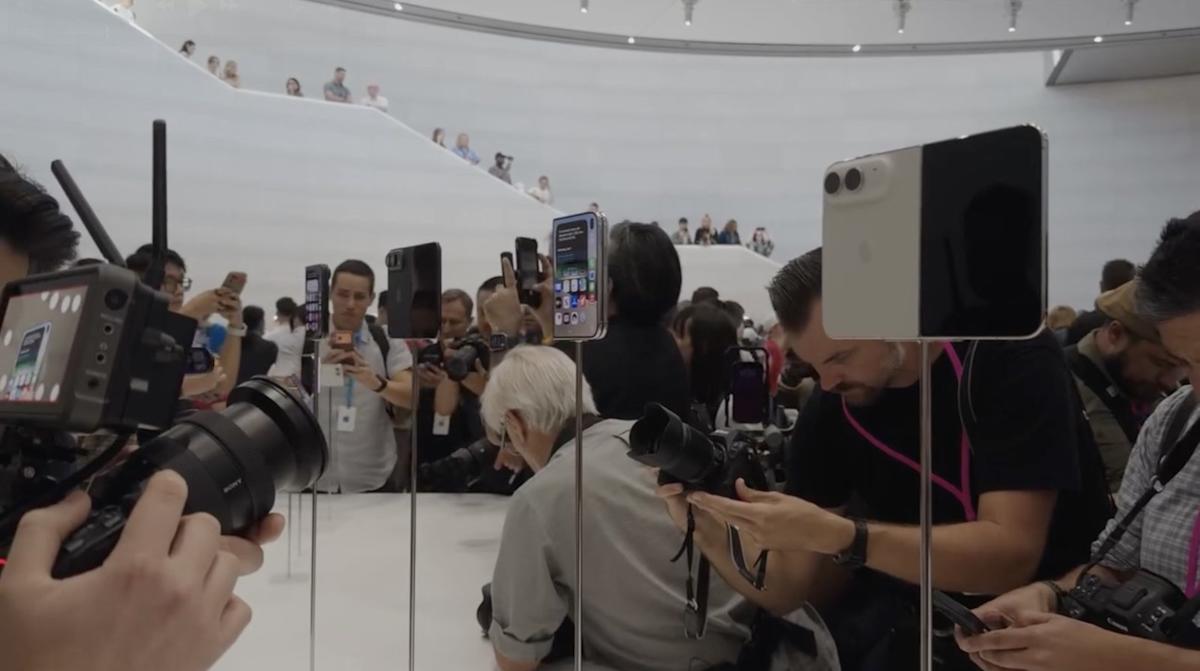
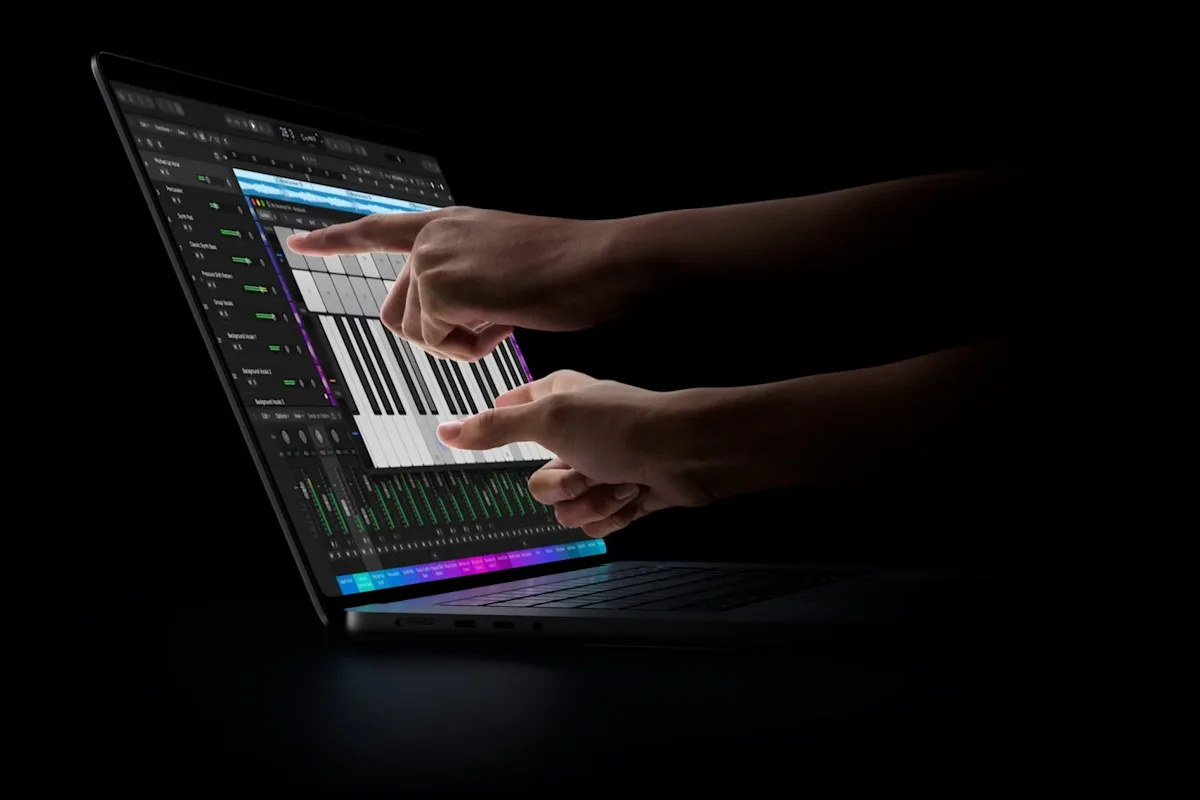
The MacBook Pro with a PROLED XDR display is the first Mac with a touchscreen. Announced on 28 October 2026 in 14 and 16 inches, it uses a 2,000-nit, 120 Hz tandem OLED panel covering the P3 and Adobe RGB colour spaces, with a Dynamic Island instead of the notch. The touch sensor is built into the panel.
It is not an M6 MacBook Pro: it runs the M5 Pro and M5 Max chips released in March 2026. It has no Face ID, no 5G and no Apple Pencil support. It is, however, noticeably lighter: 1.38 kg for the 14-inch M5 Pro, versus 1.60 kg for the equivalent mini-LED model. It is also the top-of-the-range model in the 2026 line-up, positioned above the mini-LED MacBook Pros with the same chip.
Which chip is fastest for development and data?
In the entry-level range, the M6 is the fastest of the three chips, with two more CPU cores and two more GPU cores than the M5 and M4. Apple's claimed gain over the M5 is between 1.2 and 1.3 times depending on the application. For heavy, sustained workloads (large builds, 3D rendering, multiple containers), the M5 Pro and M5 Max chips stay ahead, with 15 to 18 CPU cores.
The M6 introduces a CPU architecture with three types of cores: 2 super cores, 4 performance cores and 6 high-efficiency cores. The M5 had two types (4 super cores, 6 efficiency cores), as did the M4 (4 performance, 6 efficiency). For a developer, the difference shows in compilation and parallel test runs, much less in day-to-day use of an IDE or browser.
Advantage: M6 at entry level, M5 Pro / M5 Max for sustained workloads.
Which chip for on-device AI?
To run language models locally, the M6 is the best choice in the entry-level range thanks to its dual 16-core Neural Engine and memory bandwidth raised to 170 GB/s. Apple claims prompt processing up to 1.3 times faster than on the M5. Note: this bandwidth is not available on the base 16 GB configuration.
Memory bandwidth drives the generation speed of local LLMs as much as the number of cores. Here, the gap between the M4 (120 GB/s), M5 (153 GB/s) and M6 (170 GB/s) is real but gradual. A team running large models locally will be better served by an M5 Pro (307 GB/s) or M5 Max (up to 614 GB/s) configuration than by a base M6. For Apple Intelligence and Siri AI, all three chips are compatible.
Advantage: M6 at entry level, provided you choose 24 or 32 GB of memory.
Does the touchscreen improve productivity?
For most roles, no: macOS is still designed for keyboard and trackpad, and touch is mainly used to scroll, zoom or swipe. The real strength of the MacBook Pro PROLED XDR is the OLED panel itself: high contrast, 2,000 nits outdoors, Adobe RGB coverage. These characteristics matter for photo, video, print and design work, much less for everything else.
The mini-LED display on the M4, M5 and M6 MacBook Pros already delivers 1,000 nits sustained and 1,600 nits peak for HDR, which comfortably covers office work and development. As the touchscreen model sits above the mini-LED models with the same chip, the extra cost only makes sense if the display directly serves the job. The weight saving of more than 200 g, on the other hand, is a real benefit for employees who travel often.
Advantage: PROLED XDR for image-focused roles, mini-LED (M6) for everyone else.
Which is best for mobile and hybrid teams?
The MacBook Pro M6 wins on connectivity: it is the only one of the three entry-level models to support Wi-Fi 7 and Bluetooth 6, while the M4 and M5 stop at Wi-Fi 6E. It also drives two external 4K displays at up to 165 Hz. All three share the same stated 24-hour battery life and the same 1.55 kg weight.
Wi-Fi 7 only brings a benefit if your offices have compatible access points. For a team that is also upgrading its network, it is an argument; for a team working from home on consumer routers, the effect is marginal in the short term. On weight, the MacBook Pro PROLED XDR at 1.38 kg is the lightest MacBook Pro.
Advantage: M6 for connectivity, PROLED XDR for weight.
Which model for which role?
The M6 covers most technical and generalist profiles. The M5 Pro remains relevant for teams with intensive workloads, and the touchscreen model for image-focused roles. For office profiles, the Pro line is oversized.
Apple's pace, a new chip every year, creates a temptation: equipping everyone with the latest model. In a company, this is rarely rational. A fleet standardised by profile (one configuration for developers, one for creatives, one for support functions) simplifies MDM management, replacement stock and onboarding. Our comparison MacBook Air vs MacBook Pro details this segmentation.
Advantage: M6 for most profiles, M5 Pro for intensive technical profiles.
Buying or leasing MacBook Pros: what changes over 3 years?
When you buy, replacing 20 MacBook Pros ties up cash from the moment you order, then is depreciated over the hardware's useful life. When you lease, the expense is spread into monthly payments, the company does not carry the residual value, and moving to the next generation is planned at the end of the contract. The higher-end the model, the wider the cash gap between the two options.
Three factors tip the balance, beyond the unit price:
Refresh pace. Apple releases a new chip generation every year. A lease with swap options lets you replace the most exposed devices (developers, creatives) without buying back the whole fleet.
End of life. A purchased fleet has to be wiped, resold or recycled, which takes internal time. With leasing, collection and data wiping are generally included.
Accounting treatment. Buying is an investment (capex) depreciated over several years; leasing is an operating expense (opex). The right choice depends on your cash position and accounting policy, to be validated with your accountant.
At Fleet, catalog prices are the same for buying and leasing, so you can compare both financing modes on the same basis for your country. To go further, see our IT equipment leasing for businesses page and our article on MacBook Pro leasing for business.
Which one to choose for your company?
The right MacBook Pro depends on the age of your fleet and the roles you need to equip, not on the latest chip available. The M6 is the default choice for a late-2026 refresh, the M5 and M4 remain relevant if they are recent, and the touchscreen model is only justified for a minority of creative profiles.
M1, M2 or Intel Mac fleet to replace: MacBook Pro M6. The jump in performance, on-device AI and connectivity is significant. Deciding factor: entry-level power.
Recent M4 or M5 fleet: no early refresh. Specialist sources agree on this for the M5, and the M4 is still within its normal life cycle. Deciding factor: cost of early replacement.
Developer, data or local AI team: M6 with 24 or 32 GB, or MacBook Pro M5 Pro if workloads are sustained. Deciding factor: memory bandwidth.
Photographers, videographers, print designers: MacBook Pro PROLED XDR 14" or 16". Deciding factor: Adobe RGB coverage and OLED display brightness.
Support functions, HR, sales, office management: MacBook Air 13" or 15" M5. Deciding factor: total cost per device.
Equip your team with MacBook Pro M6 through Fleet
A new chip every year, a first touchscreen Mac at the top of the range, roles with very different needs: refreshing 20 devices means choosing between models, tying up cash, then handling the configuration, warranty and end of life of every machine. It can be done in-house, but each step adds time, risk and capital tied up.
Fleet manages the full life cycle of your Macs on a single platform, in more than 150 countries, from order to the hardware's second life:
Buy or lease at the same catalog price: choose the financing mode device by device, with a fixed monthly payment and no upfront investment when leasing.
Swaps during the contract: replace or return a device when your headcount or needs change.
Ready on day one: every Mac arrives enrolled in your MDM, with your apps and security policy applied at first boot.
Warranty and repairs included: a replacement device is shipped before the faulty machine is collected.
End of life handled: certified wiping to NIST standards, then refurbishment rather than disposal.
Explore the MacBook Pro M6 and the MacBook Pro PROLED XDR in the catalog, or book a demo to compare buying and leasing MacBook Pro M6 for your own fleet.
FAQ
Should you upgrade from a MacBook Pro M5 to a MacBook Pro M6?
No, in the vast majority of cases. According to Apple, the M6 brings 20 to 30% more performance, Wi-Fi 7 and Bluetooth 6, but the chassis, display and battery life are identical. An M5 MacBook Pro bought in 2025 is still early in its life cycle.
Does the touchscreen MacBook Pro have an M6 chip?
No. The MacBook Pro with a PROLED XDR display uses the M5 Pro and M5 Max chips launched in March 2026. For now, the M6 only powers the entry-level 14-inch MacBook Pro, the iMac and the Mac mini.
Is there a MacBook Pro M6 Pro or M6 Max?
Not as of October 2026. Apple has only announced the standard M6 chip, and the 16-inch MacBook Pro is only available with M5 Pro and M5 Max. A company that needs a 16-inch model must therefore choose between the mini-LED model and the touchscreen model.
Does the touchscreen MacBook Pro work with Apple Pencil?
No. The touchscreen on the MacBook Pro PROLED XDR supports finger gestures (scrolling, swiping, pinch to zoom), but not Apple Pencil. It also has no Face ID and no 5G modem.
Is it better to buy or lease a MacBook Pro M6?
It depends on your cash position and refresh pace. Buying suits you if you keep your machines for more than three years and have the cash available. Leasing spreads the cost into monthly payments, generally includes warranty and support, and makes moving to the next generation easier at the end of the contract.
Conclusion
The MacBook Pro M6 is the best entry point into the Pro line for replacing an older fleet, without justifying the replacement of a recent M4 or M5. The touchscreen MacBook Pro is a remarkable machine for image work, but its high-end positioning reserves it for a few profiles.
See how Fleet handles this in practice
200+ devices, sourced locally and delivered pre-configured to 150 countries — buy or lease, same price.